
Clip Studio.
Your footage, focused.
Turn longer videos into short clips with local speech transcription, AI-assisted selection, captions and portrait framing.
Get the desktop app ↓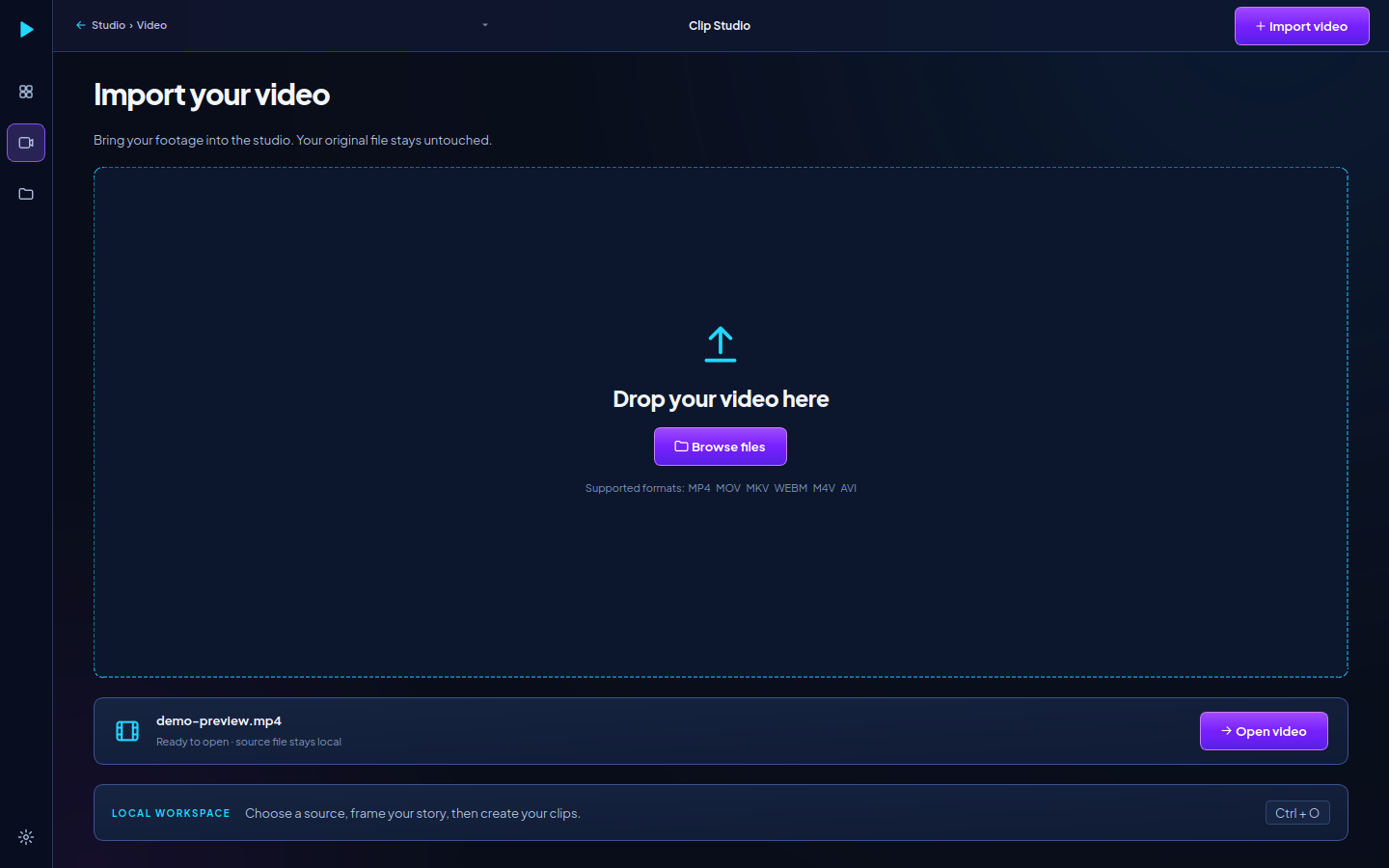
Install. Activate. Create.
The download link is loaded securely from the official release service. If it cannot load, please try again later.
Ask the administrator about an activation key →
Downloading the installer does not include an activation key or paid AI-provider access. No payment or license purchase is collected on this page.
- Install on your Windows PC. Download the published installer, open it and follow the setup steps. Python is included in the packaged application.
- Enter your activation key. The administrator supplies a key. Its first successful activation binds it to one PC and Windows profile.
- Open your video. Speech models download separately on first use. Add your own supported AI-provider key in Settings when using AI selection.
Before you install
Can I share my activation key?
Each key is for one device and Windows profile. Another PC requires another key. Contact the administrator if you reinstall Windows or replace your computer.
Does the app need an internet connection?
Yes. Activation is checked at startup and approximately every minute during use. If verification fails, the editor locks and running work is asked to stop. Transcription models also need a first-use download. AI providers need internet and your own credentials.
Do I need an NVIDIA GPU?
The standard CPU build is intended to work without an NVIDIA GPU. If a GPU build is offered, it additionally requires compatible NVIDIA hardware and drivers. Processing speed depends on your computer and model.
What does activation send?
The activation service receives your activation key, a hashed Windows device identifier and this installation's public key. It stores the device binding, license status and activation timestamps. It does not receive your videos. See the activation privacy details.
Where can I get help?
Use Contact and Corrections and include the app version, the error message and the short device reference. Keep your activation and provider keys private.